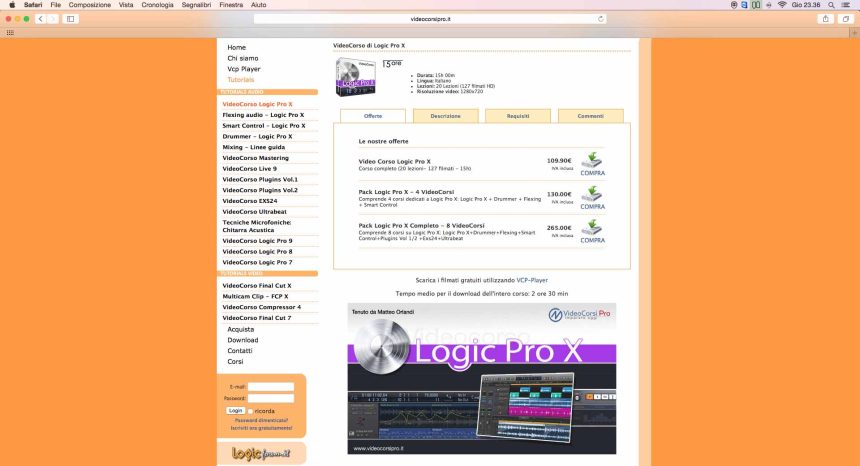
Following the introduction of the last time, we focus our attention on the video tutorials managed by Matteo Orlandi on Logic Pro X.
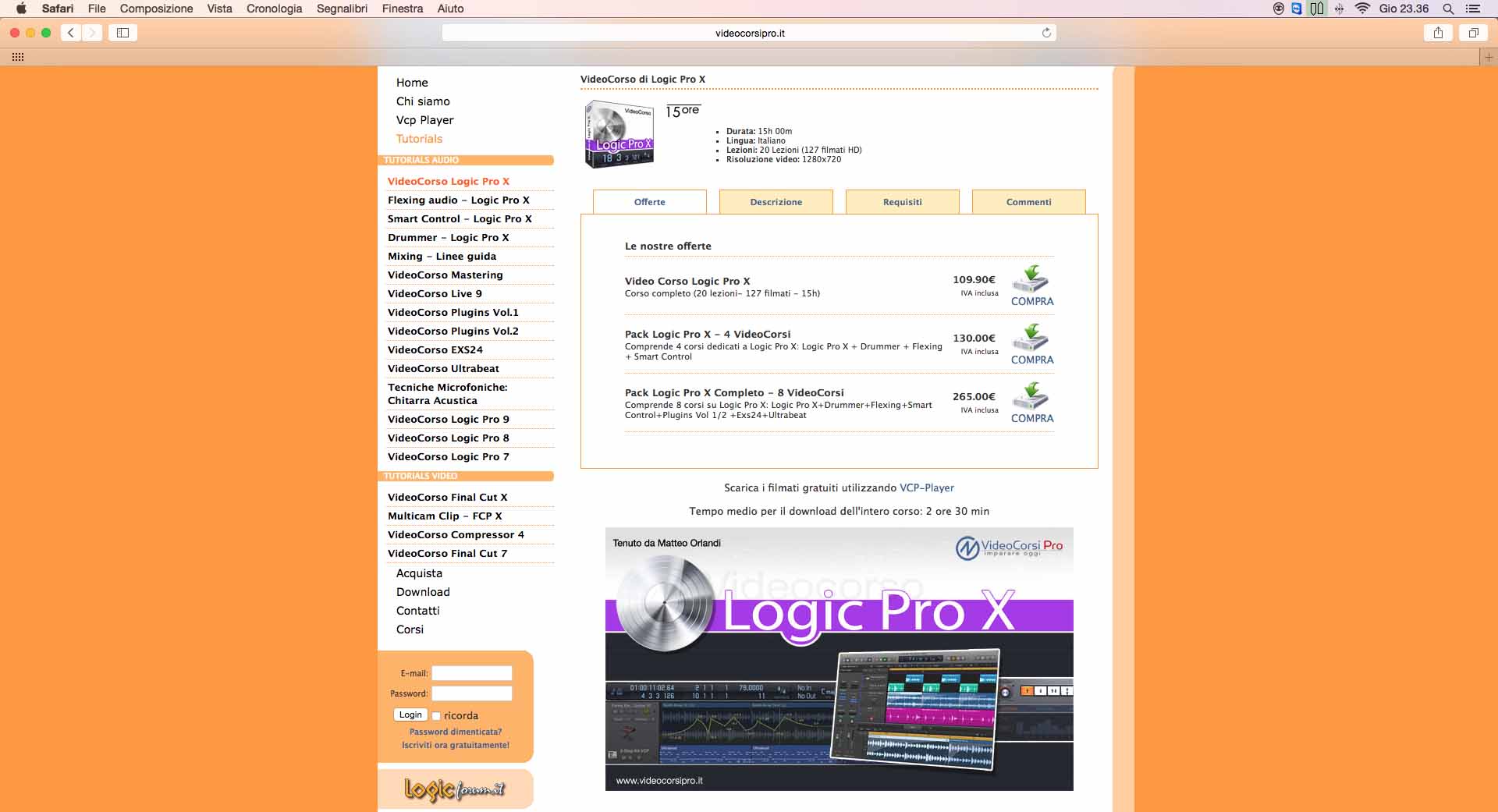
Even if it is not a very recent software, the DAW from Apple offers so many options and features that are worth exploring. Since the hair begins to be graying and a lot of water has passed under the bridge, allow me to highlight a personal, but not univocal, philosophy for which the knowledge of a DAW, even after many years of use, never reaches the maximum of the real potential offered. Who like me started from Notator and followed the evolution of Logic in all its intermediate steps, it cannot fail to point out that it often happened that when a flattering compromise of practical use had been reached, the new release offered new attractive features that forced to remodel your workflow.
Logic Pro X (LP extension from now on) is not far behind: especially in the latest releases, where the imprinting of Apple has radically transformed, despite simplifying many functions, the approach to programming a DAW. Matteo Orlandi, framing this state of affairs appropriately, has seen fit to lend a hand to users, both the young ones and those a little more experienced, studying Logic well and then returning it to us in the form of practical and fast “video advice”. This is what distinguishes VideoCorsiPro which, unlike international and renowned video tutorials that often offer only a summary of the basic characteristics, faces the many functions offered with a productive perspective in order to reduce the production time of a song. Since the amount of video tutorials regarding Logic is manifold, I thought it appropriate to formulate a personal consideration in blocks. In this part we deal with both the general basics of the program and some of the new functions included in the latest version of Logic.
LOGIC PRO X 15 hours!?!?!?!
You read that right. “Only” 15 hours to deal organically with what until a few years ago was considered the most complex DAW to tame, due to an Environment window that for years made thousands of users turn up their noses all over the world. In the Pro X version, Logic has seen many things change, both in the GUI (graphic interface) but also under its engine hood, although Apple has never made an official word of it. Some methods of use have been revisited, some streamlined, others updated in the code compared to previous versions; others still, in line with Apple's philosophy of making complex functions user-friendly, have laid the foundations for what will be the prerogatives of a DAW of the future (Drummer above all, if we assume a similar use applied to other rhythmic instruments). Precisely for this reason, the Video Course has been structured to offer the user a quick and completely productive approach of all the key functions of Logic, adding particular explanations for windows and functions that are often taken for granted, but which just as often hide prerogatives that they would save a lot of production time. And since for the producer time is a crucial element to focus and fix their ideas well, then I think it is advisable that a DAW is better known to be able to get the most (obvious consideration, I know!).
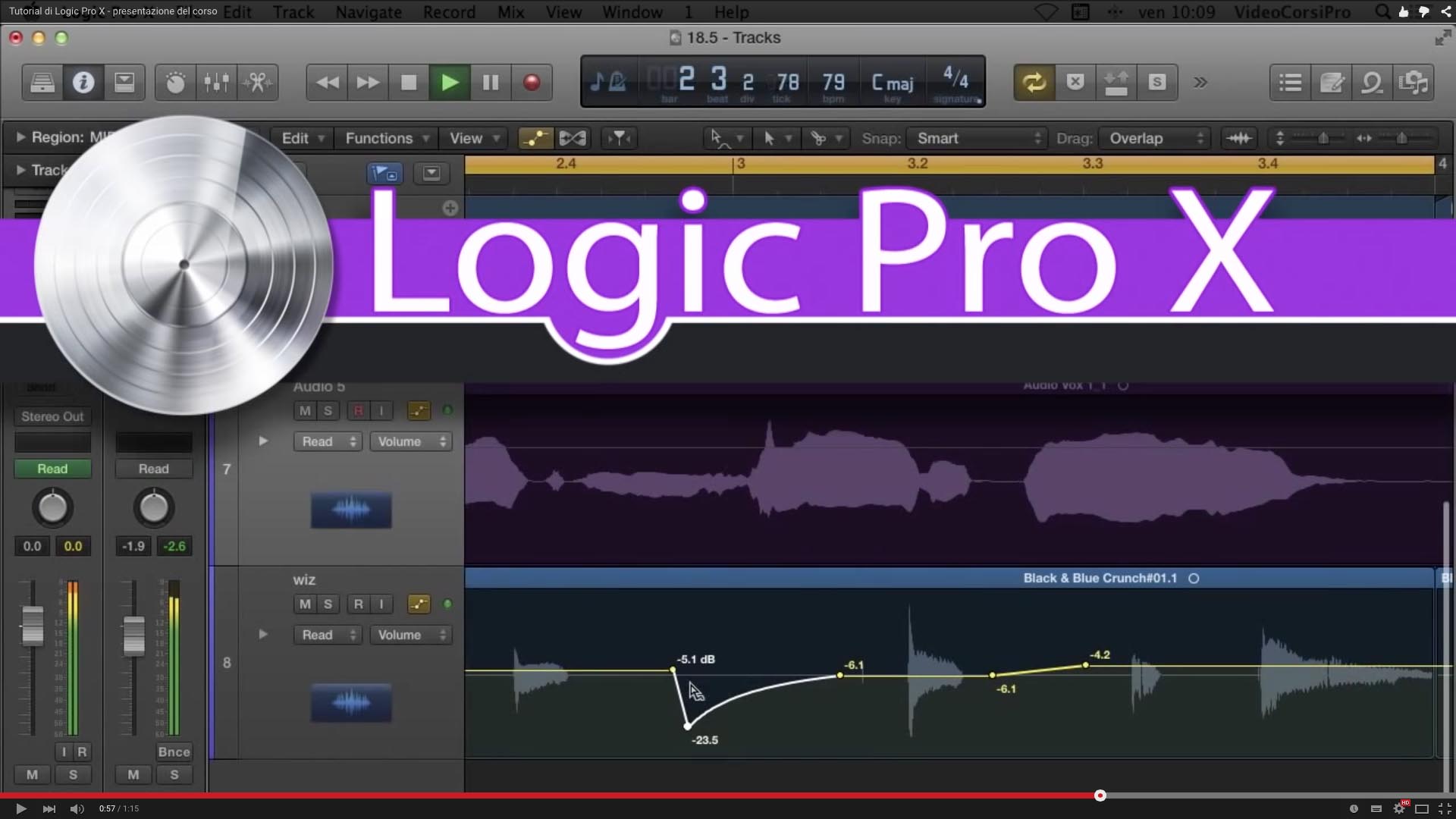
Over 100 lessons, grouped in 20 sections, guide the user in progressive steps towards a complete and rational production, making the most of all the functions of the Arrange and the main editors connected to it, both Audio and MIDI. It is important to note that the Video Course, after a necessary preamble to the interface and to the basic connections, already proposes the realization of a first musical project from the fourth section. The specifications for optimizing audio and MIDI files are then dealt with for professional purposes.
Result: even if you are not experienced musicians and without even realizing it, at the end of the journey you will have made your first demo. For veterans, however, there is no lack of insights into functions which, as anticipated in the premises, are often left aside because they are not understood or not studied well by the manual, strictly in English, and which would be very useful in many stages of production.
With the version of LPX 10.1, new functions and libraries have been added.
VideoCorsiPro will make available, as an integration, the new features to users of the specific VideoCorso as soon as possible. Here are some dedicated LPX video links, available on the VideoCorsiPro YouTube page:
SMART CONTROL
Do you know that theiPad can it be a convenient LPX programming companion as well as being considered a complete external rack, such as wireless management of virtual instruments? If, as I imagine, most of the readers would answer no, this and not only is the basic prerogative of this video course. The Smart Control they can be considered the turning point for programming dynamic and impactful pieces. Knowing its correct use, not limited to the presets offered by LPX, streamlines some repetitions that are normally part of the operational workflows of each of us. Another aspect that should not be underestimated is the extreme in-depth study that is dedicated to the management of LPX via masterkey, since each Smart Control can be associated with any potentiometer, slider or MIDI switch in your studio. This mode must be framed not only in the interaction with the already known MIDI Controller Assignment, already present in the old versions, but rather and above all, to streamline the direct control of several simultaneous parameters. Think for a moment about the single pot that in many recent analog mixers control channel compression or, for example, the Waves One Knob plug-ins. In both cases, a single control acts on several parameters of the sound, in order to simplify the action and optimize the result. Well, the Smart Controls offer you all this with an essential and intuitive approach, provided of course you know how to act. The Video Course, therefore, addresses these aspects in a complete way, while leaving a large margin of action dictated by individual needs. Back to the iPad. If the tactile approach suits your way of working, Remote Control, a free app downloadable from the Apple store, is more than an operational shortcut. Just the fact of being in the studio and being able to operate remotely to arm the tracks, start recording them, intervene with unusual virtual instruments (think of virtual guitars), standardize some functions that we mainly use among the hundreds of KeyCommands present, etc. etc. etc. it would make us sleep more peaceful dreams. Putting the two operating modes together, it occurs to me that the interaction with LPX could even be more effective than the MainStage itself, specially designed for live performances.
At the links below some demo videos:
AUDIO FLEX
Surely the Time Stretching and Pitch shifting they are among the most requested and most considered functions within a DAW. LPX is not exempt from this offer. Without going into the merits of the effectiveness or otherwise of these functions present in LPX compared to dedicated plug.ins (AutoTune e melodyne above all), it is good to consider that even in this case, details or routines, so to speak, secondary ones that could make the difference in the pragmatic use are often missed. Not to mention that the two "utilities" in the hands of a pioneer sound designer they would reserve many surprises, even if the tutorial does not directly address this issue. The Video Course systematically addresses all the innovations present, related both to rhythmic management and to that relating to intonation, giving clear suggestions for use, with particular reference to the pop music. It should be pointed out that, where the results were different between the algorithms used, the patient Matteo pauses with a great deal of discussion to detect the strengths and weaknesses of each of them. Also for Flex pitch, introduced with the X version of Logic Pro, you can see how well the speaker studied the program to give us as much useful information as possible. Here too other demos, the second of which taken from Logic Pro 9 which already integrated the FlexTime:
TO CONCLUDE
Each single Video Course represents an in-depth knowledge path based on the topic dealt with. Considering the fact that LogicPro is a mass of operational possibilities according to the windows or audio functions recalled, the single VideoCorso represents an element of a video library that is worth considering if you plan to rotate your production around this DAW. I repeat that the issues addressed and the language used are indeed addressed to those who know little about the software, but absolutely do not neglect operational advice which in many cases, in the context of Project Studio or Studio Pro, would be a real panacea for their work. If you really need to go nit-picking, an aspect that has sometimes left me a little perplexed is the lack of didactic fluidity that is found in some videos. This is probably due to the fact that the post-production phases of the videos have led to a review of certain methods of dealing with the topic. If we add to this a dated operational experience with the program that leads me to anticipate the interpretation of some operations, I think it is correct to note this aspect of slowness more to a subjective need than to an objectively well done job.
PLUS
In accordance with Video Courses Pro, our readers have the option up to 31.07.2015 to be able to take advantage of a discount of €10 for a minimum purchase of €30 on all videos. Just click on the image below to be sent back to the promotional page and get the discount once logged in, after registering. This is the Html string to match the image.
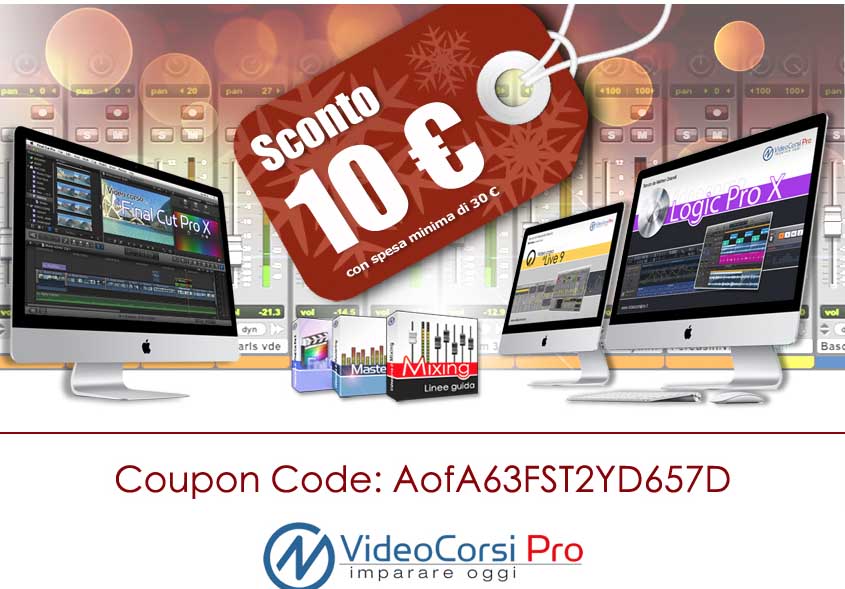
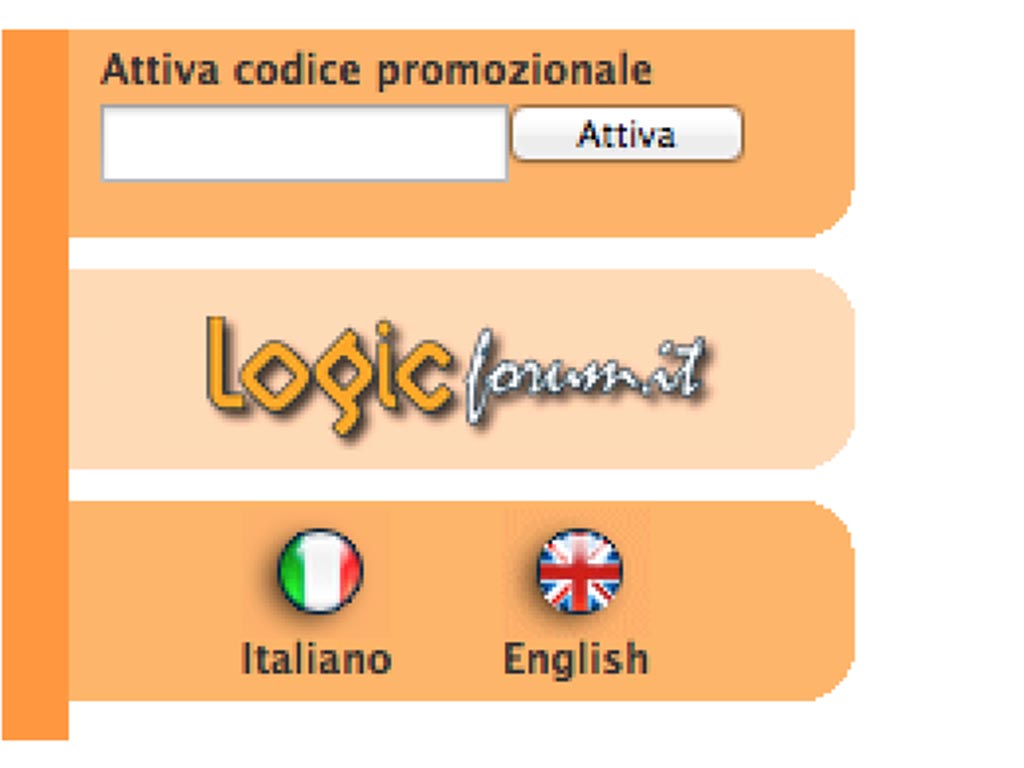
Otherwise you can enter the Promo Code "AofA63FST2YD657D"In the appropriate field, as shown in the image below:
Good vision!
USEFUL NEWS
Producer: Matthew Orlandi
Sito: Video Courses Pro